


White balance in digital photography is one of the most essential yet often overlooked settings that can dramatically affect the look and feel of your images. Whether you’re a beginner picking up your first camera or an enthusiast aiming to improve your photo quality, understanding how white balance works is key to capturing accurate and vibrant colors. It determines how your camera interprets the color temperature of the light in a scene, helping ensure whites appear truly white and all other colors look natural — not too warm or too cool.

In this beginner’s guide to white balance in digital photography, we’ll break down the concept in simple terms, explain the science behind color temperature, and show you how to use different white balance presets or custom settings depending on your lighting conditions. You’ll also learn how improper white balance can ruin a great shot and how mastering it can instantly enhance your photography — whether you’re shooting indoors under artificial light, outside at golden hour, or in tricky mixed lighting scenarios.
If you’re looking to take more control over your camera settings and elevate your images with natural, true-to-life colors, this guide on white balance in digital photography is the perfect place to start.
The term color temperature in digital photography refers to a characterization of the spectral properties of a light source. It is commonly used during the production phase in digital photography industries. Low color temperature is the warmer, more yellow to red light. While high color temperature is the colder, more blue light.
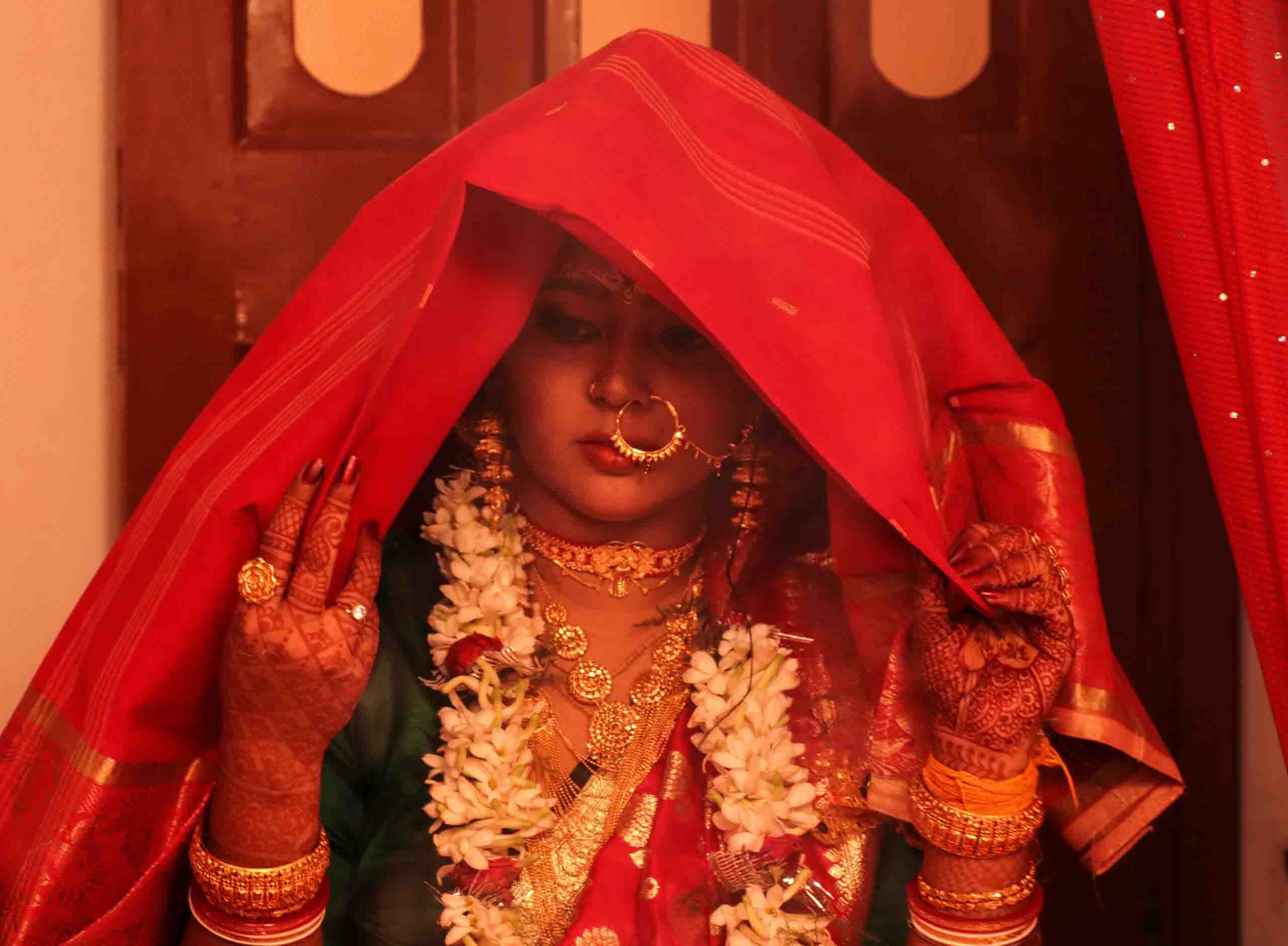
Warm Color Temperature
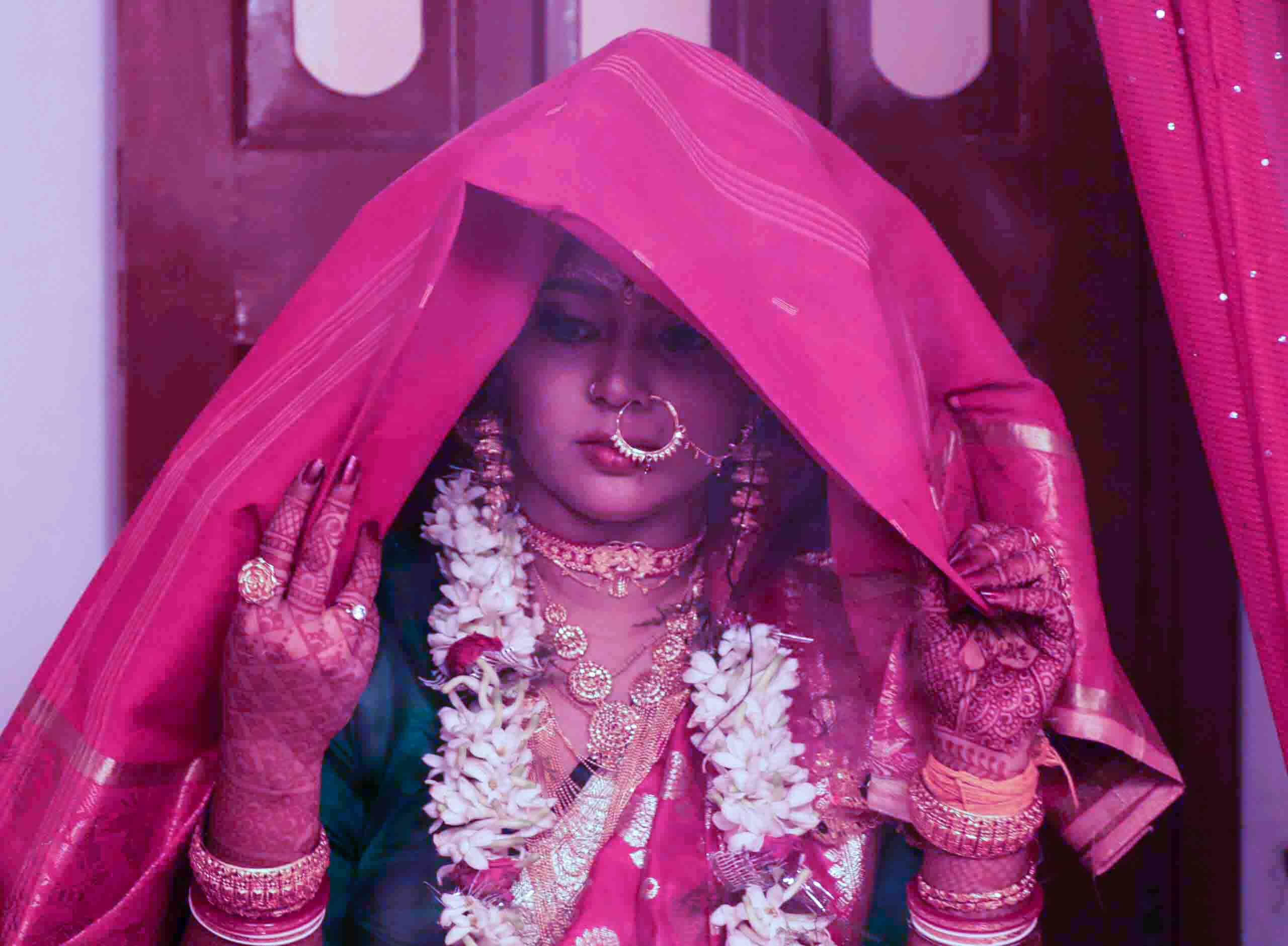
Cool Color Temperature
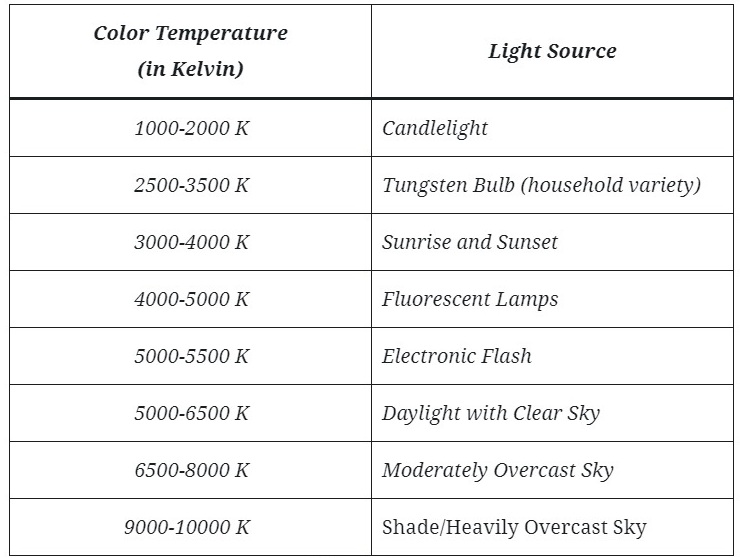
All light has a color which has a temperature. Different colors of light create different temperature hues in your image. Kelvin is the color temperature scale used for light. At the lower end of the scale, 2000-4000k shows warm light of reddish yellows. At around 5500k, the color is pretty much what we see at noon on a sunny day. As the scale climbs, the light gets progressively bluer. At about 10,000 K we reach the very blue light of a typical flash gun.
White balance presets in digital photography are predefined settings on your camera that adjust the color temperature to compensate for different lighting conditions. These presets help you capture accurate and natural-looking colors in your photographs without the need for manual adjustments. Here are some common presets and their typical use cases:
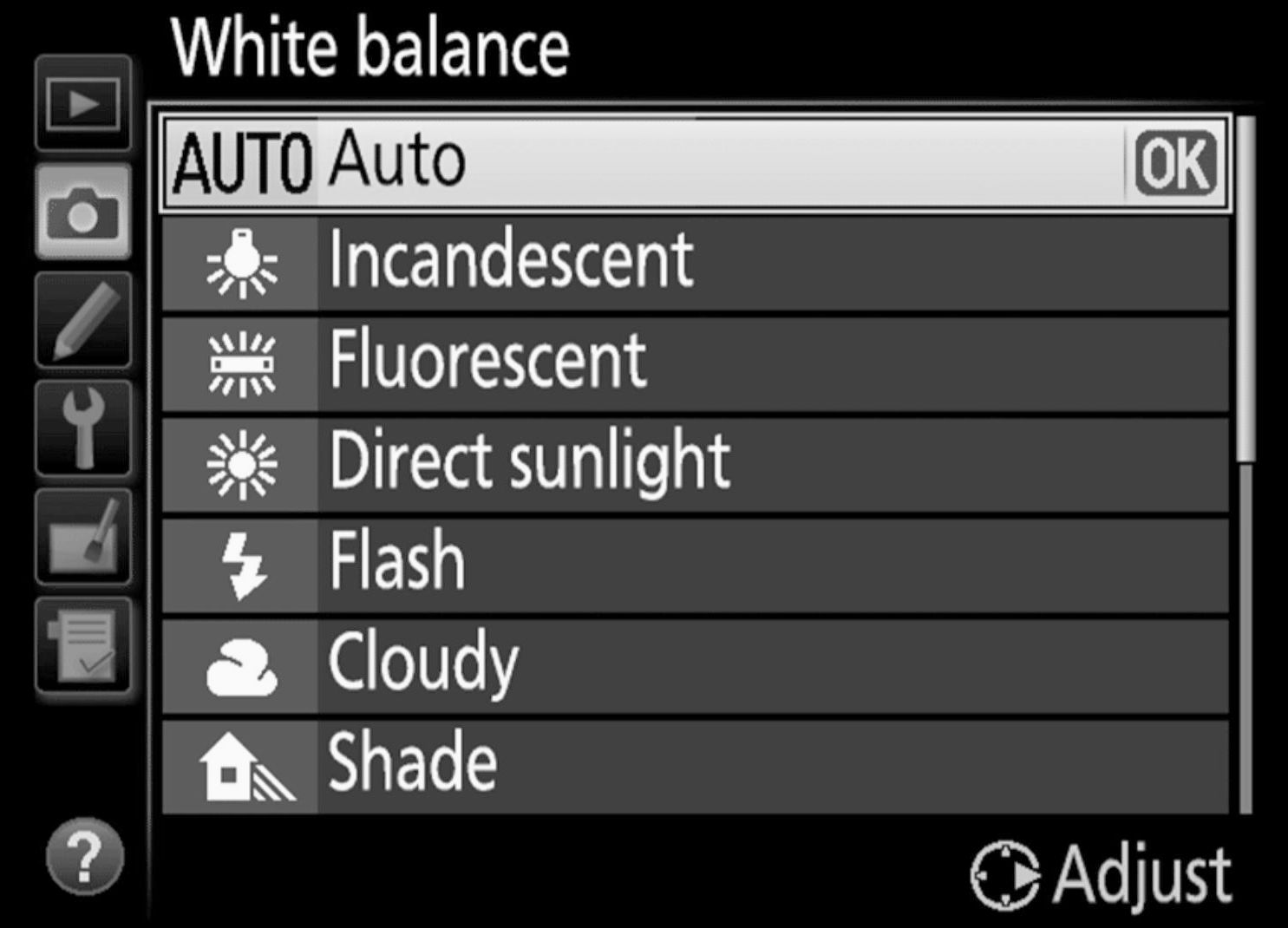
Choosing the right preset or manually setting the white balance is essential for ensuring accurate and natural-looking colors in your photographs. While many situations can be covered by these presets, understanding how they work and when to use them gives you greater control over your photography and allows you to achieve your desired results, even in challenging lighting conditions.
Auto White Balance (AWB) is a preset in digital photography. It allows the camera to automatically adjust the color temperature of the image based on the lighting conditions present when taking a photograph. The goal of AWB is to produce images with accurate and natural-looking colors without the need for manual adjustments.

Auto White Balance (AWB) is a convenient and generally reliable option for achieving accurate and natural-looking colors in your photographs, especially in everyday shooting situations with changing or mixed lighting. However, photographers should be aware of its limitations and consider manual adjustments when more precise control over color temperature is needed or when dealing with challenging lighting conditions.
The “Daylight” white balance mode in digital photography is a setting specifically designed to reproduce accurate colors when shooting in natural daylight conditions. It compensates for the color temperature of light under typical daylight, which is considered to have a neutral and balanced color temperature.

This preset is essential for achieving accurate and natural-looking colors in your photographs when shooting in outdoor, natural lighting conditions. It helps ensure that your subjects appear as they do to the naked eye and enhances the overall quality of your images captured under daylight.
The “Cloudy” white balance mode in digital photography is a setting specifically designed to compensate for the color temperature of light on overcast or cloudy days. Cloudy or overcast conditions can result in a cooler and bluish color cast in photos, and the “Cloudy” color balance setting is used to correct this and produce more accurate and natural-looking colors in your images.
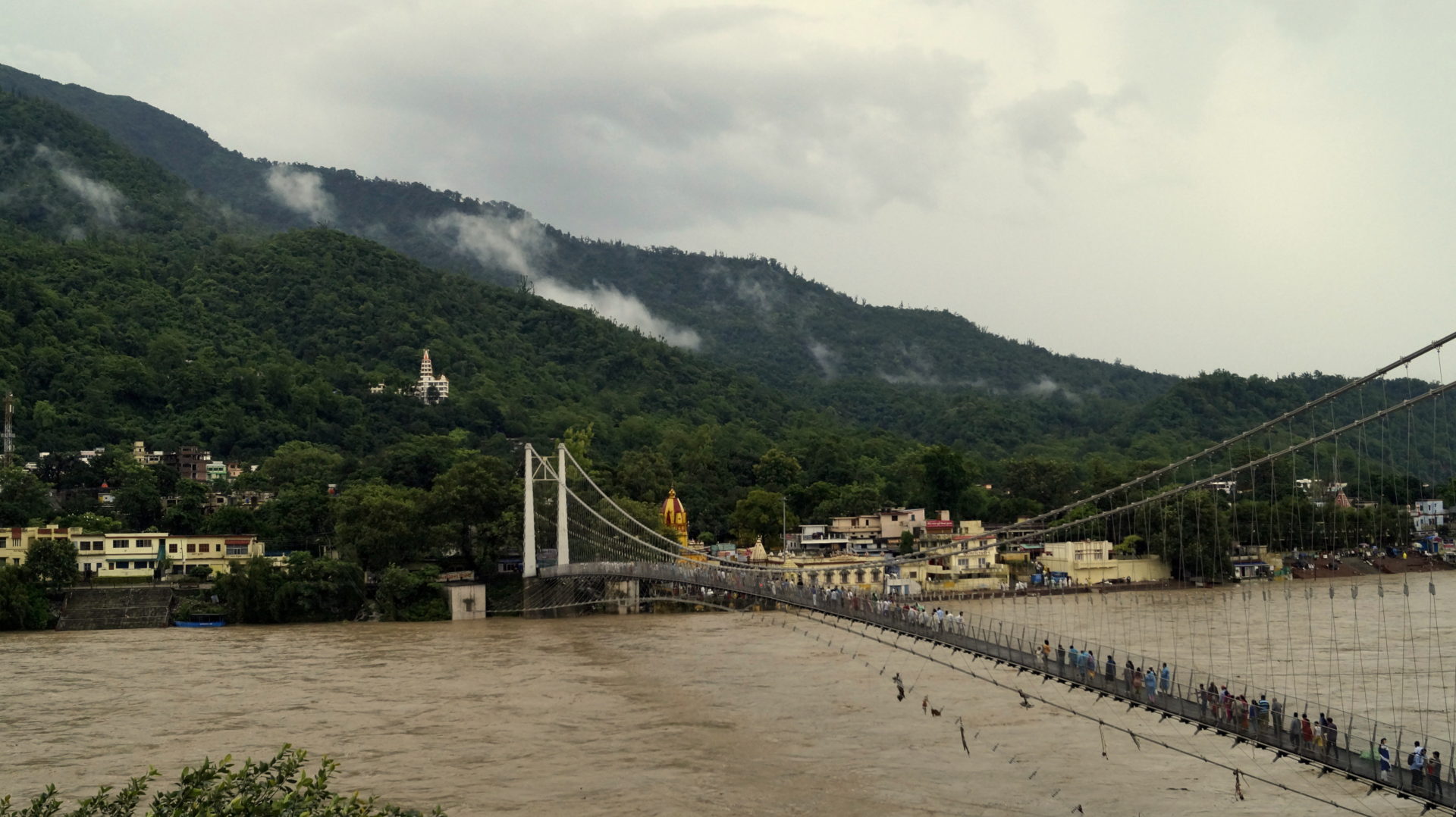
Using the “Cloudy” white balance setting is essential for achieving accurate and natural-looking colors in your photographs when shooting in overcast or cloudy conditions. It ensures that your subjects appear as they do to the naked eye and enhances the overall quality of your images under such lighting conditions.
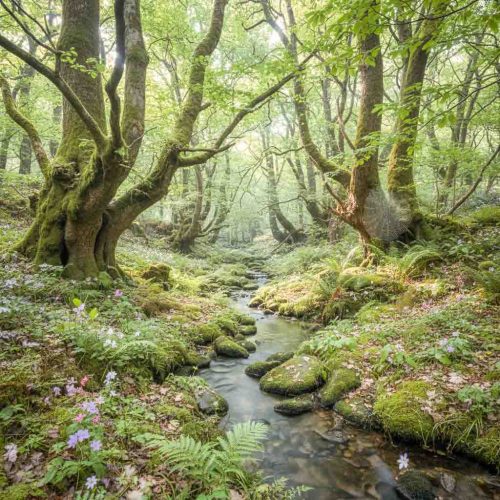
Incandescent white balance is a specific white balance setting in digital photography. It is used to correct for the color temperature of light produced by incandescent light sources, such as traditional tungsten filament bulbs. The Incandescent lights emit warm, orange-yellow light, which can result in a strong warm color cast in photos if not properly corrected. The incandescent white balance setting is designed to neutralize this warm color and produce more accurate and natural-looking colors in your images when shooting under incandescent lighting.
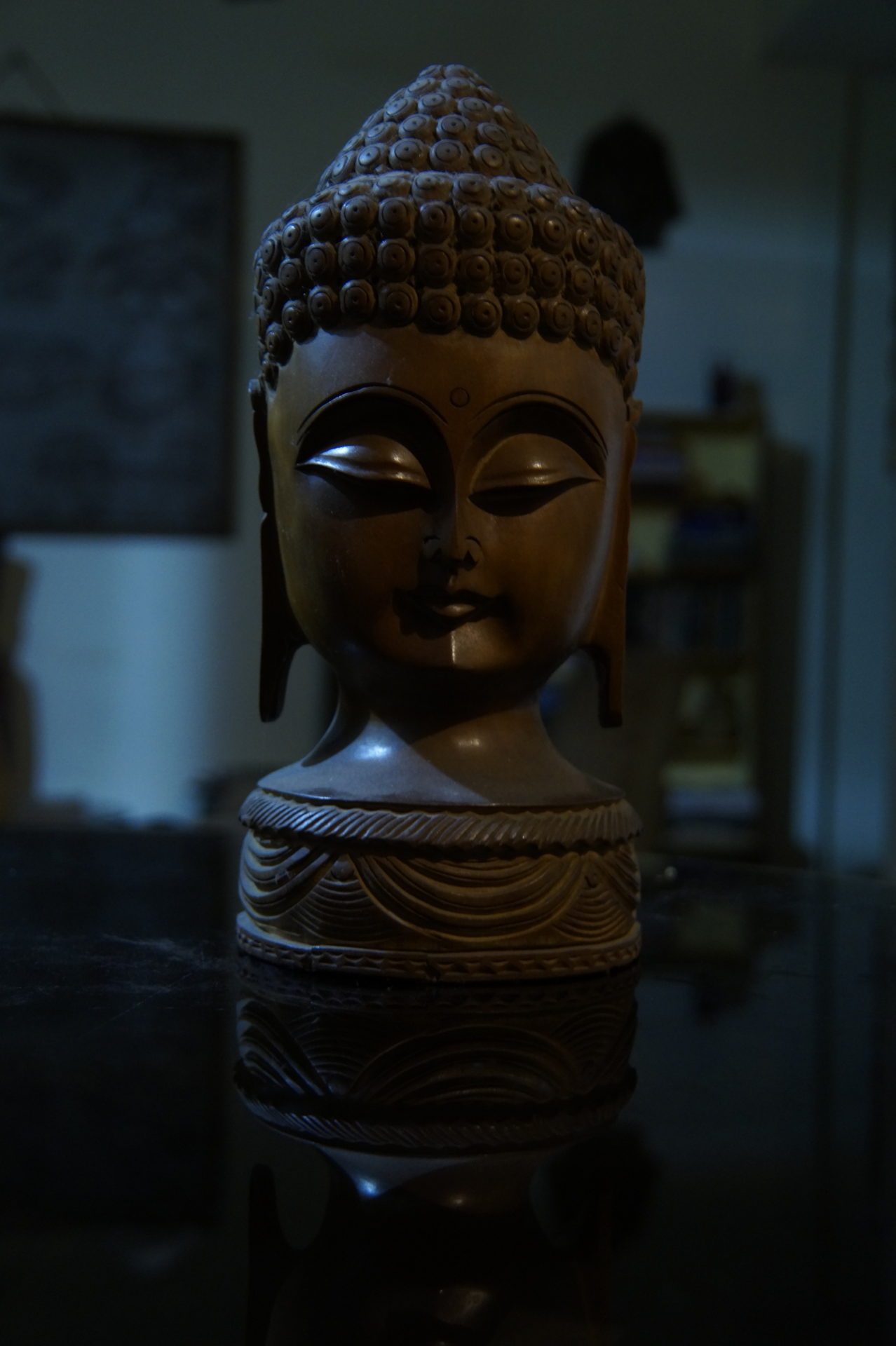
Using the incandescent mode when working with incandescent lighting, is crucial for achieving accurate and natural-looking colors in your photographs. It helps ensure that your subjects appear as they do to the naked eye. And it enhances the overall quality of your images.
Fluorescent white balance is a specific white balance setting in digital photography. It is used to correct for the color temperature of light produced by fluorescent light sources. The fluorescent lights emit light with a unique color temperature that can result in green or magenta color casts in photos if not properly corrected. The fluorescent mode is designed to counteract these color shifts and produce more accurate and natural-looking colors in your images when shooting under fluorescent lighting.
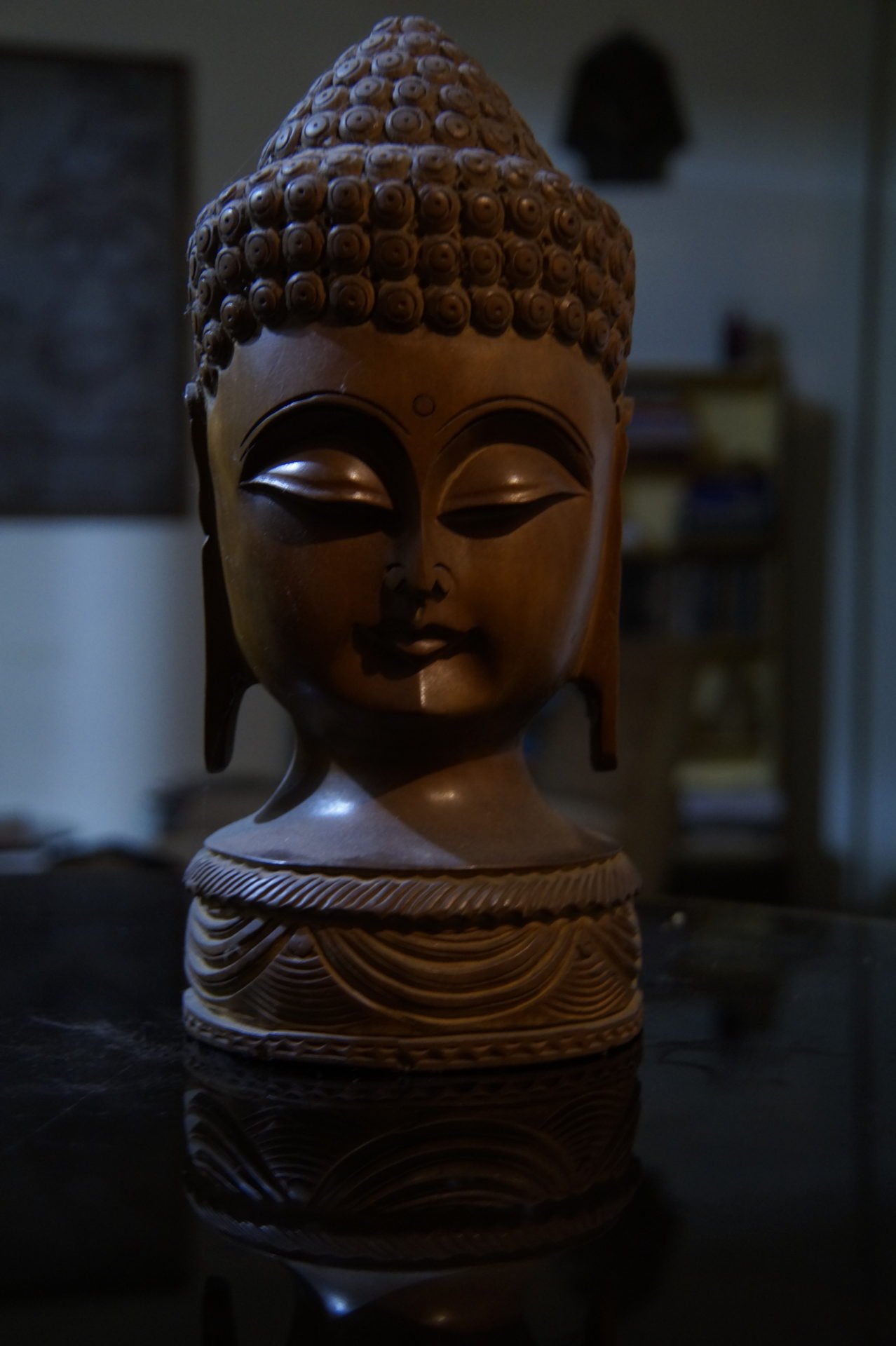
Using this preset when working with fluorescent lighting, is essential for achieving accurate and natural-looking colors in your photographs. It helps ensure that your subjects appear as they do to the naked eye, enhancing the overall quality of your images.
In digital photography, flash white balance is a specific setting that compensates for the color temperature of light emitted by a camera’s flash unit. The purpose of using flash white balance is to ensure that your images appear natural and free from unwanted color casts when using artificial lighting, such as a camera-mounted flash or an external strobe.
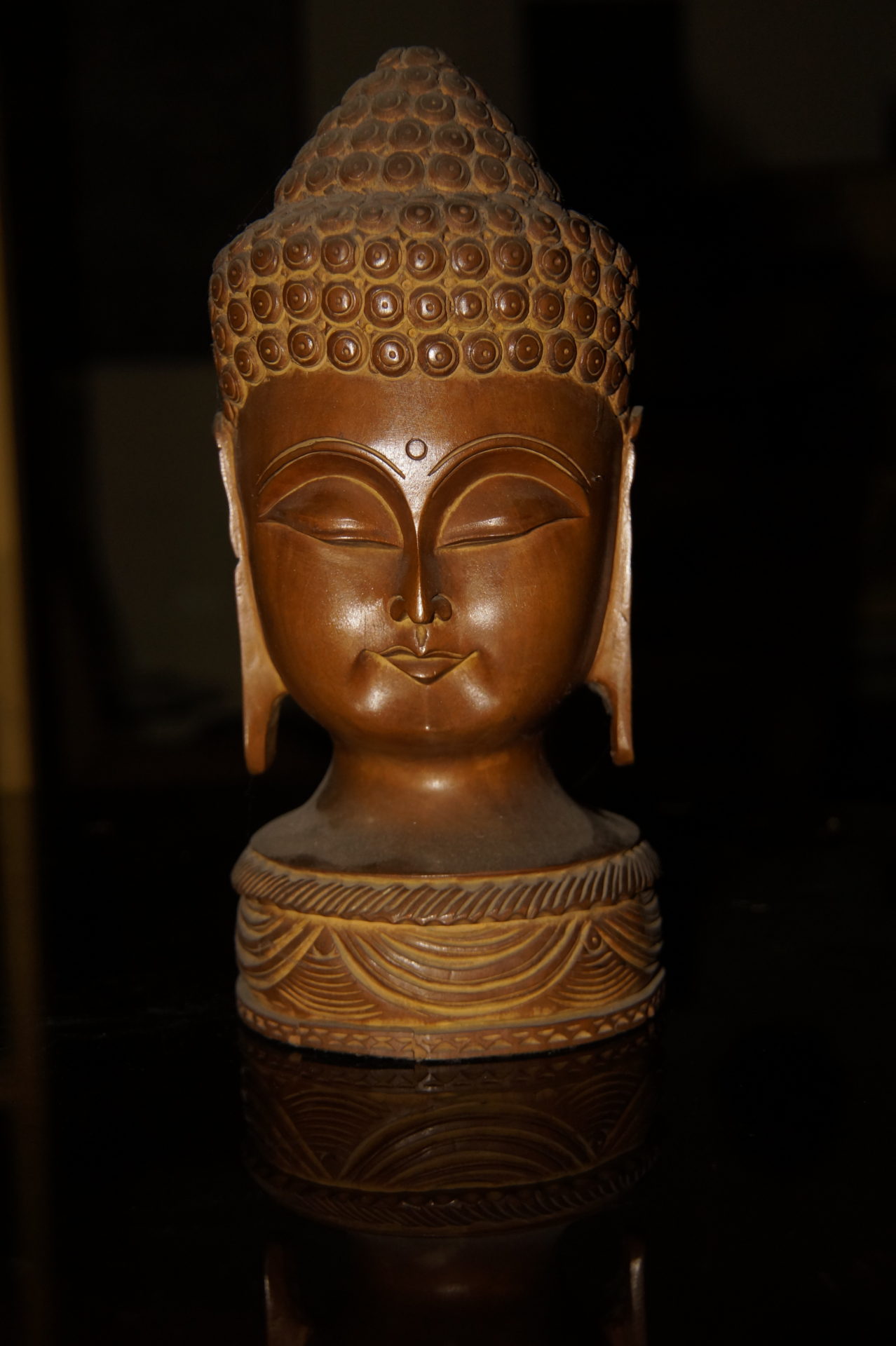
Using the correct white balance setting, including flash white balance when using artificial lighting, is crucial for producing images with accurate and pleasing colors. It ensures that your subjects appear as close to their natural colors as possible, enhancing the overall quality of your photographs.
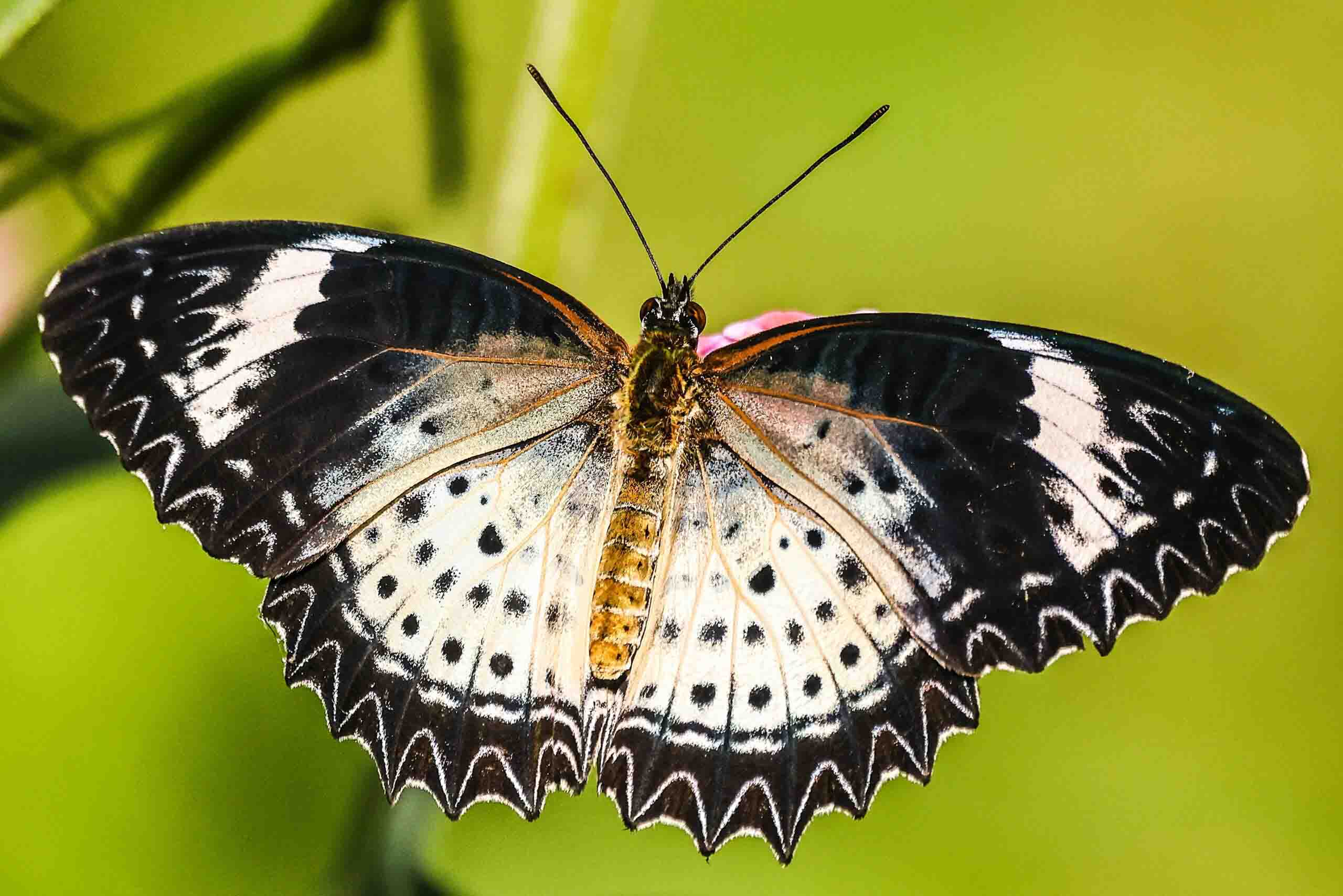
Setting a custom white balance is a technique used in photography to ensure accurate color reproduction under specific lighting conditions. It can greatly improve the accuracy of colors in your photographs, especially in challenging lighting situations. It’s a valuable technique for ensuring that your images appear as close to reality as possible.
In photography, “hue” refers to one of the three primary characteristics of color, along with saturation and brightness (or luminance). Hue is essentially the specific color or shade of color that we perceive. It is what allows us to distinguish between colors like red, blue, green, and so on. Hue can be represented on a color wheel, which is a circular diagram that displays the spectrum of colors. In a typical color wheel, red, yellow, and blue are considered primary colors. All other colors are created by mixing these primary colors in various combinations.
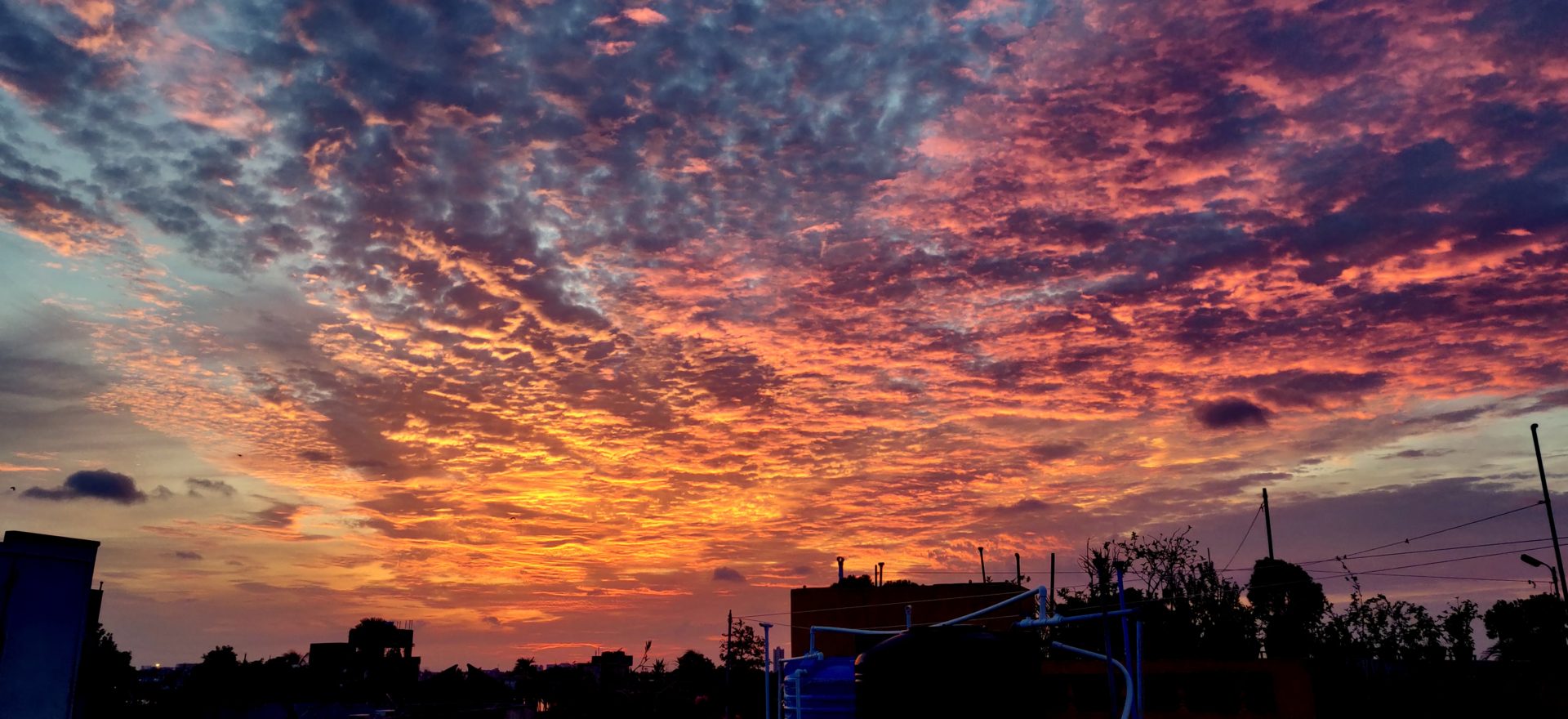
Photographers often use hue adjustments in post-processing software to modify or fine-tune the colors in an image. This can involve changing the overall color balance or shifting specific colors within the image. For example, you might adjust the hue to make a red object appear more orange or more pink.
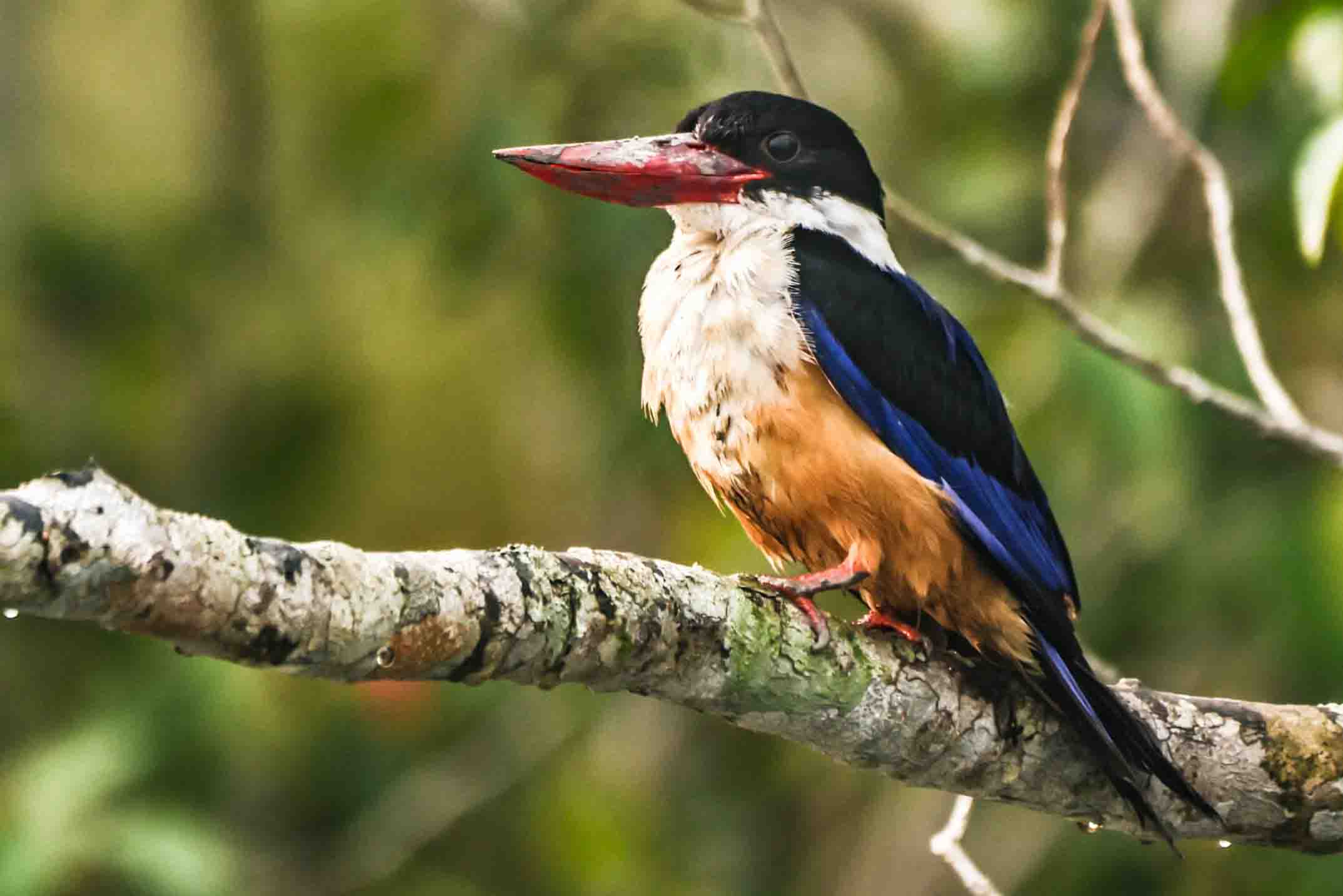
Black-Capped Kingfisher
Q1. What is white balance in digital photography?
White balance in digital photography is the process of adjusting colors so that the whites in your image appear truly white. It helps maintain natural tones and ensures that all colors in your photo look accurate under different lighting conditions.
Q2. Why is white balance important in digital photography?
Correct white balance is important because it removes unwanted color casts, such as yellow, blue, or green tones, making your images look more realistic and professional. It ensures your photos reflect true-to-life colors.
Q3. What are the main white balance presets in digital photography?
Most cameras include common white balance presets such as Auto White Balance (AWB), Daylight, Cloudy, Shade, Incandescent, Fluorescent, and Flash. These settings help photographers quickly adapt to different lighting situations.
Q4. Which white balance setting is best for beginners?
For beginners, Auto White Balance (AWB) is usually the best option. It automatically adjusts color temperature to suit the scene. However, experimenting with presets like Cloudy or Shade can give warmer tones for outdoor photography.
Q5. How do I manually adjust white balance in digital photography?
You can manually adjust white balance by setting the Kelvin (K) color temperature on your camera. For example, around 5500K works for daylight, while higher values (7000K–9000K) add warmth for cloudy conditions.
Q6. Can I use custom white balance settings?
Yes, you can set a custom white balance by photographing a neutral white or gray object under your current lighting and letting your camera use it as a reference. This ensures maximum color accuracy in tricky lighting conditions.
Q7. Can white balance be corrected in post-processing?
Absolutely. If you shoot in RAW format, you can easily fix or fine-tune white balance during editing in software like Lightroom or Photoshop without losing image quality.
Q8. What white balance setting should I use for portraits?
For natural skin tones in portraits, Daylight or Shade presets often work well. If you’re indoors under artificial light, use Incandescent or Fluorescent white balance to avoid unnatural color casts.
Understanding white balance in digital photography is essential for capturing images that reflect true-to-life colors and convey the right mood. Whether you’re shooting under warm indoor lights, cool daylight, or mixed lighting conditions, mastering white balance allows you to take full control over how your images look and feel. For beginners, learning to use camera presets, adjust Kelvin temperature, or even apply manual white balance settings may seem intimidating at first — but with practice, it becomes second nature.
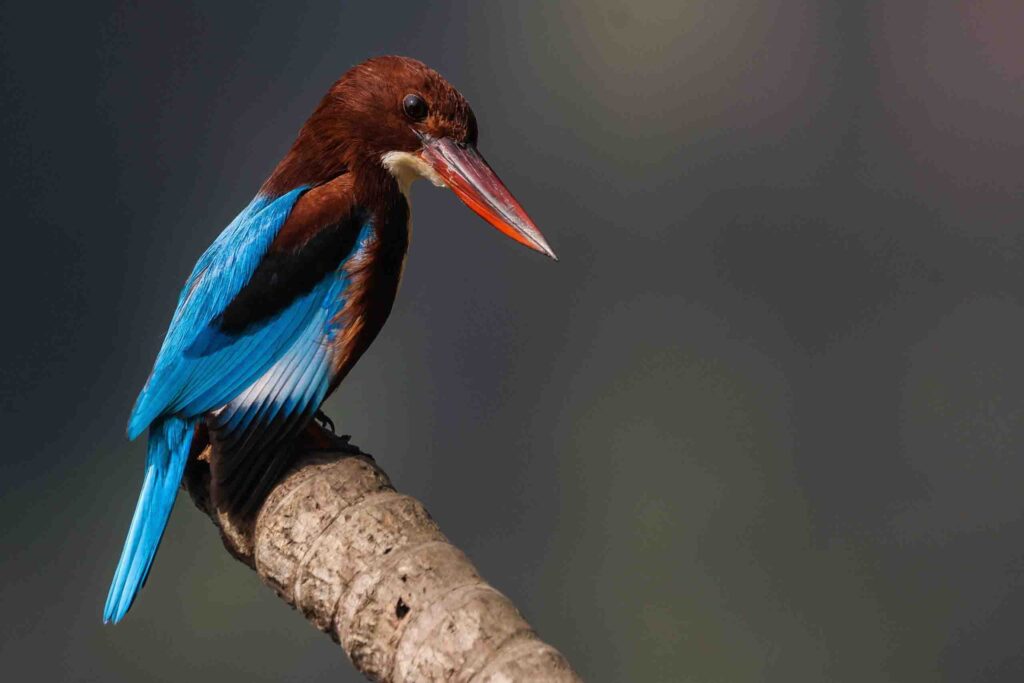
White-throated Kingfisher
By consistently paying attention to white balance, you can elevate the professionalism of your photos, avoid color casts, and dramatically improve the overall visual quality of your work. Whether you’re photographing portraits, landscapes, or macro subjects, a solid grasp of white balance in digital photography gives you the creative freedom to present your scenes exactly as you envision them. Keep experimenting, trust your eye, and let your understanding of light and color grow with every shot you take.
Recent Comments